Home › School bus blog › GPS Tracker for Truck Fleets: What to Track and What to Ask
GPS Tracker for Truck Fleets: What to Track and What to Ask
For a transporter, a truck that is not where it should be costs money: a late delivery, extra fuel, an idle driver, or a customer who calls three times. A GPS tracker for trucks gives the owner and the dispatch desk one answer to "where is it, and what is it doing?" This guide explains what a tracker should show, how fuel monitoring fits in, and what to ask before you buy.
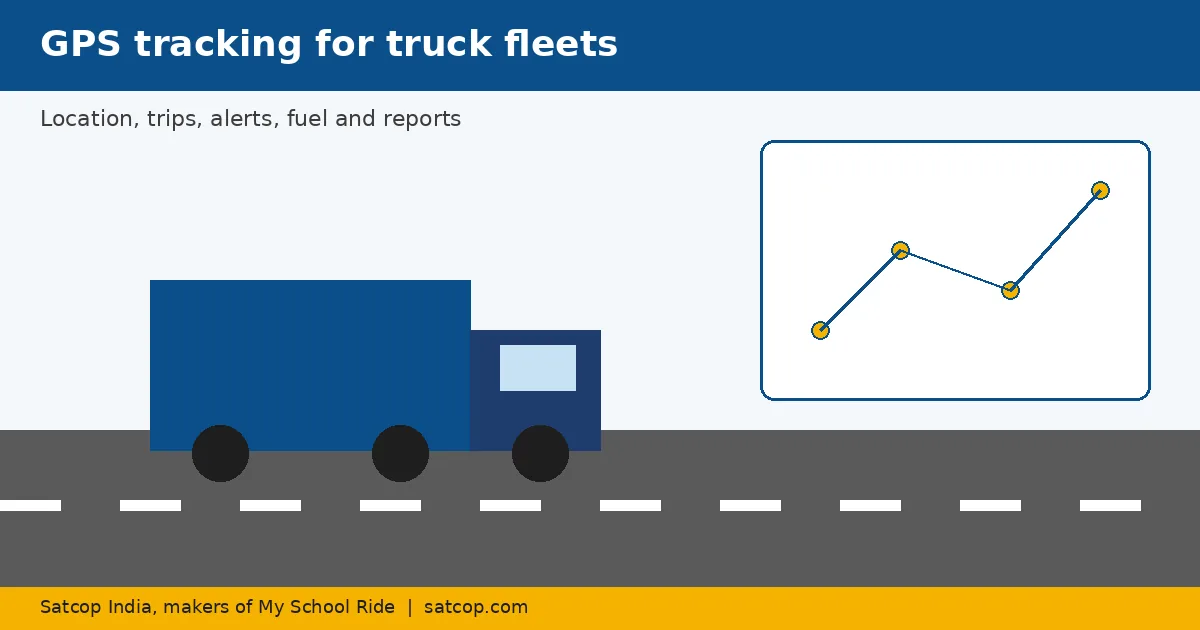
Related product: GPS tracker for truck
For our product page, see GPS tracker for truck.
What a truck GPS tracker should show
1. Live location and status. Moving, idle, or stopped, on one map for the whole fleet.
2. Trip history and playback. Where the truck went, where it stopped and for how long. Useful for customer disputes and driver reviews.
3. Alerts. Overspeed, route deviation, long idling, and entering or leaving set areas (geofences) such as a warehouse or a customer site.
4. Reports. Distance, running hours, stoppages and alerts per truck, over days or months. Our fleet tracking software and app provides automated reports.
5. Mobile access. Owners often run a fleet from their phone, so the app matters as much as the desktop view.
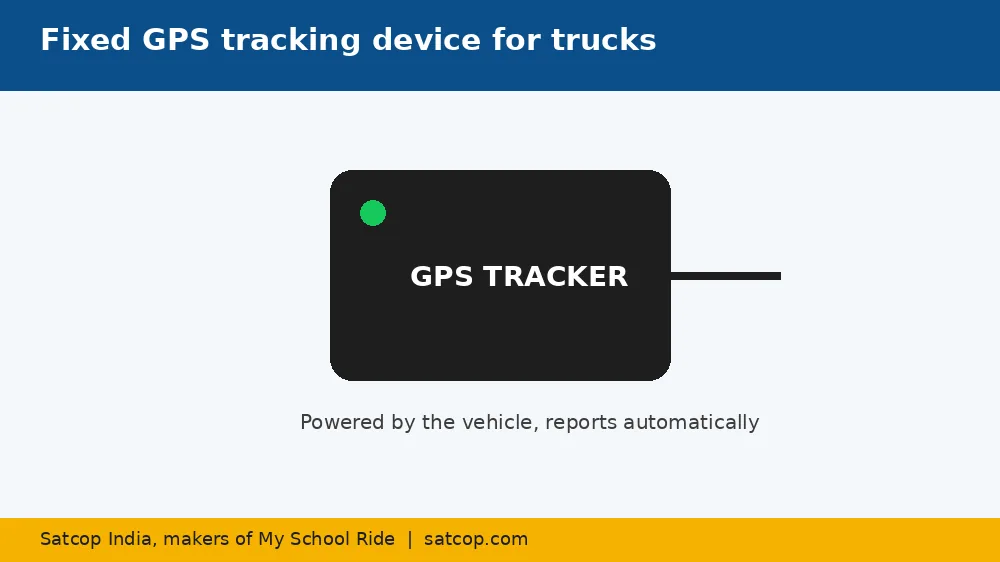
Fuel: the cost you can see once you measure it
Fuel is usually the biggest running cost. A tracker alone shows distance and idling, which already helps. Adding a fuel sensor or a wireless fuel level sensor shows the tank level over time, so sudden drops stand out in reports. This helps you spot unusual fuel use and have a fact-based conversation with drivers.
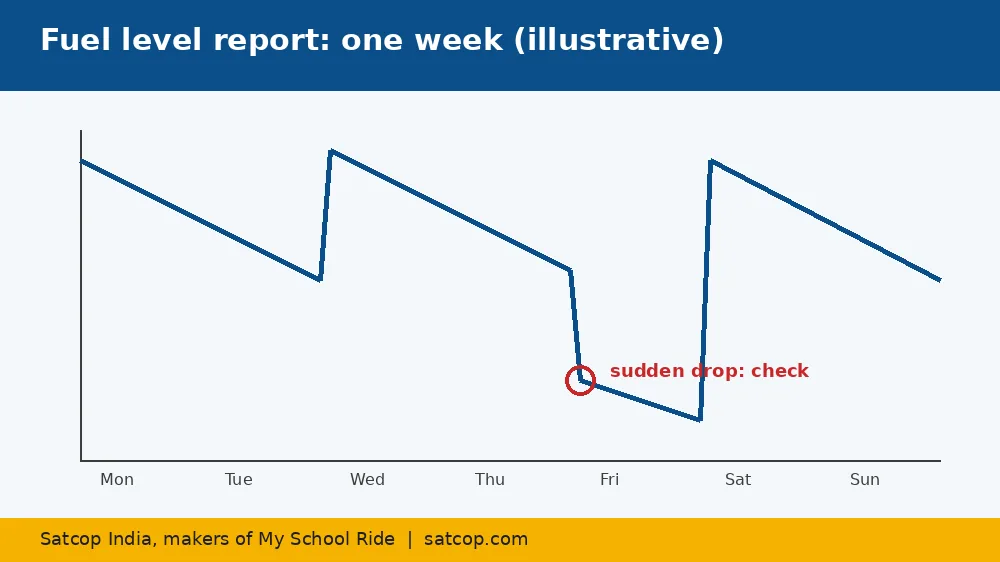
Device or phone?
Driver phones are not suited to truck tracking. Drivers change, phones run out of charge, and apps get closed. A fixed fleet tracking device, powered by the truck, reports automatically whenever the vehicle runs.
AIS-140 for commercial vehicles
Some commercial and public vehicles look for AIS-140 type devices. Satcop offers an AIS-140 / IRNSS device designed to meet AIS 140 standards. Check what applies to your vehicle category with your transport office; this guide is not legal advice.
Questions to ask a vendor
- Who designs and makes the device, and what is the warranty?
- How is it installed, and how long does it take per truck?
- Does it track automatically, with no app to start?
- Which alerts and reports are included?
- Can fuel sensors be added later?
- Is there a mobile app for owners and dispatchers?
- What support is available when a truck goes offline on a highway?
- Can you demo it on one of our trucks?
Fleet types and city notes
- Long-haul trucks on routes between Pune, Mumbai, Ahmedabad, Delhi, Bengaluru, Hyderabad and Chennai need reliable highway tracking and stoppage reports.
- City distribution fleets in metros need geofence alerts for depots and customer sites.
- Tankers benefit most from fuel or level monitoring.
- Construction and mining vehicles use running hours as much as distance.
- Electric fleets have their own needs; see electric fleet management.
Satcop India's head office is in Pune (Kharadi), with an office in Hyderabad (Gachibowli). See our Pune vehicle tracking page. In other cities we serve fleets and visit to demo.
Getting started
- Pick 3 to 5 trucks on your most important routes.
- Fit devices and run for a month.
- Review trip, idling and fuel reports.
- Roll out to the full fleet.
See the full GPS fleet solutions range.
Using reports to run a better fleet
A tracker's value grows when someone reads the reports every week. Start with three: idling time per truck, stoppages longer than an agreed time outside planned sites, and overspeed alerts. Share the results with drivers in a short weekly review, and recognise good driving as well as discussing problems. Over a few months, the reports show which routes, trucks and drivers need attention, and help plan maintenance by running hours rather than guesswork.
Customer visibility
Many transporters now share live location with customers for important loads. A shared tracking link or a regular status update cuts the number of "where is my load?" calls and builds trust. Decide which customers get access and for how long, so you share only what is needed.
Maintenance and device care
Devices should be fitted by trained technicians with tidy, protected wiring. Check after any electrical repair that the tracker is still reporting, and set an offline alert so the dispatch desk knows quickly when a truck stops sending data. Keep a simple log of installations, device numbers and service visits.
Choosing what to track first
If budget is limited, start with location, trip history and idling alerts on all trucks, then add fuel sensors to the vehicles that use the most fuel. This phased approach shows results early and builds a case for the next step.
Common mistakes when buying truck trackers
- Buying on the lowest device price alone. Installation quality, support on the highway and the app decide whether tracking still works in month six.
- Skipping a trial. A month on a few trucks shows how the device, the reports and the support behave on your own routes.
- Collecting reports nobody reads. Agree who reviews which report each week before you roll out.
- Leaving drivers out. Explain the reasons for tracking before installation, not after the first complaint.
- Not planning for growth. Check that fuel sensors, more vehicles and more users can be added later without changing systems.
Highway coverage and gaps in signal
Long-haul routes cross stretches where mobile coverage is weak. Ask any vendor how its device behaves there: whether it keeps recording positions and sends them once the signal returns, how the gap appears in trip history, and how the dispatch desk can tell the difference between a weak-signal stretch and a device that has stopped working. Ask to see a real trip report from a highway route, not a city demo. Set expectations with customers too, so that a short gap on a remote stretch does not trigger a worried call. For fleets that run mostly at night, check too how the dispatch desk will be alerted out of office hours, and who is on call to act on those alerts.
None of these mistakes are expensive to avoid. They only need a little planning before the first device is fitted.
Driver buy-in
Drivers sometimes see a tracker as a sign of distrust. Explain early that tracking also protects them: trip history can show they followed the route, stopped where asked and delivered on time when a customer disputes it. Fleets that share reports openly and reward good driving usually get far less pushback.
Frequently asked questions
What does a GPS tracker for trucks do?
It shows each truck's live location and status, records trip history, sends alerts such as overspeed and long idling, and provides reports.
Can a GPS tracker help reduce fuel costs?
It shows idling and distance, and with a fuel sensor it shows tank levels over time, so unusual fuel use is easier to spot.
Is a phone app enough to track trucks?
Usually not. A fixed device powered by the truck tracks automatically even when drivers change.
Do you offer AIS-140 devices?
Yes, Satcop offers an AIS-140 / IRNSS device designed to meet AIS 140 standards for commercial vehicles.
How much does a truck GPS tracker cost?
It depends on the number of trucks and add-ons like fuel sensors. Ask for a quote.
More guides
Want to see it on your trucks?
Share your company, city and number of trucks. We will WhatsApp you back.
Let's talk.
We visit and demo in your city. Ask for a quote.
WhatsApp +91 91560 88090 · Head Office · Nyati Enthral, Kharadi, Pune 411014